
WhatsApp messaging limits and quality rating
Meta decides how many people your number may message a day, and moves it with quality. What raises it, what lowers it, and how to warm a new number up.
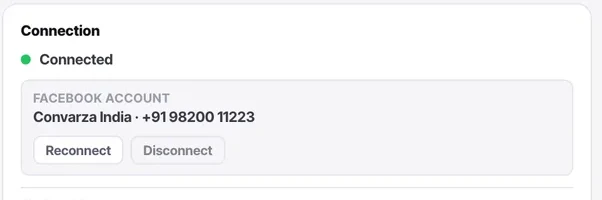
Every WhatsApp Business number has a messaging limit — how many unique people it may start conversations with in 24 hours — and Meta moves it up as the number proves itself and down when people report or block it. Convarza shows you the channel and holds sends to your timings; Meta decides the ceiling. Planning a broadcast without knowing the ceiling is how a send stalls halfway.
Before you start
- A connected WhatsApp channel and access to its status in Meta Business Manager.
Reference
The limit is per number, set by Meta
New numbers start low and move up through tiers as they message more people without complaints. It is not a Convarza setting and not a plan limit; it is the number's reputation.
Quality rating moves it
Blocks and reports lower the rating; a low rating lowers the tier. A single cold broadcast to a purchased list can drop a new number a tier in a day.
Warm a new number up
Start with people who know you — customers, recent enquiries. Send in the low hundreds, let the tier rise, then widen. The cost of patience is a week; the cost of impatience is a restricted number.
Templates carry quality too
A template that gets reported is paused by Meta regardless of the number's standing. Write them as a person would, with a clear reason for the message.
A broadcast that stalls is usually the limit
If a send stops partway with plenty of timing left, the number has hit its daily ceiling. The rest goes out when the window resets. Check the tier in Business Manager rather than assuming a fault.
Put it to use
Before any large send, read the number's current tier and quality rating in Meta Business Manager and size the segment to fit under the ceiling with room to spare.
The parts people get wrong
- Convarza cannot raise the limit. Only sending well, to people who want it, does.
- A broadcast reply puts the person in the 24-hour window and does not count against the limit for follow-up.
The ones people actually ask
My broadcast stopped halfway.
Almost always the daily messaging limit on the number. The remainder sends when the 24-hour window resets. Check the tier in Meta Business Manager.
How do I raise the limit?
By messaging more people who do not block or report you. There is no form to fill in. Warm the number with warm contacts and the tier rises on its own.