
Viber conversations your whole team can see
A URI and a token connects your Viber public account to the shared inbox.
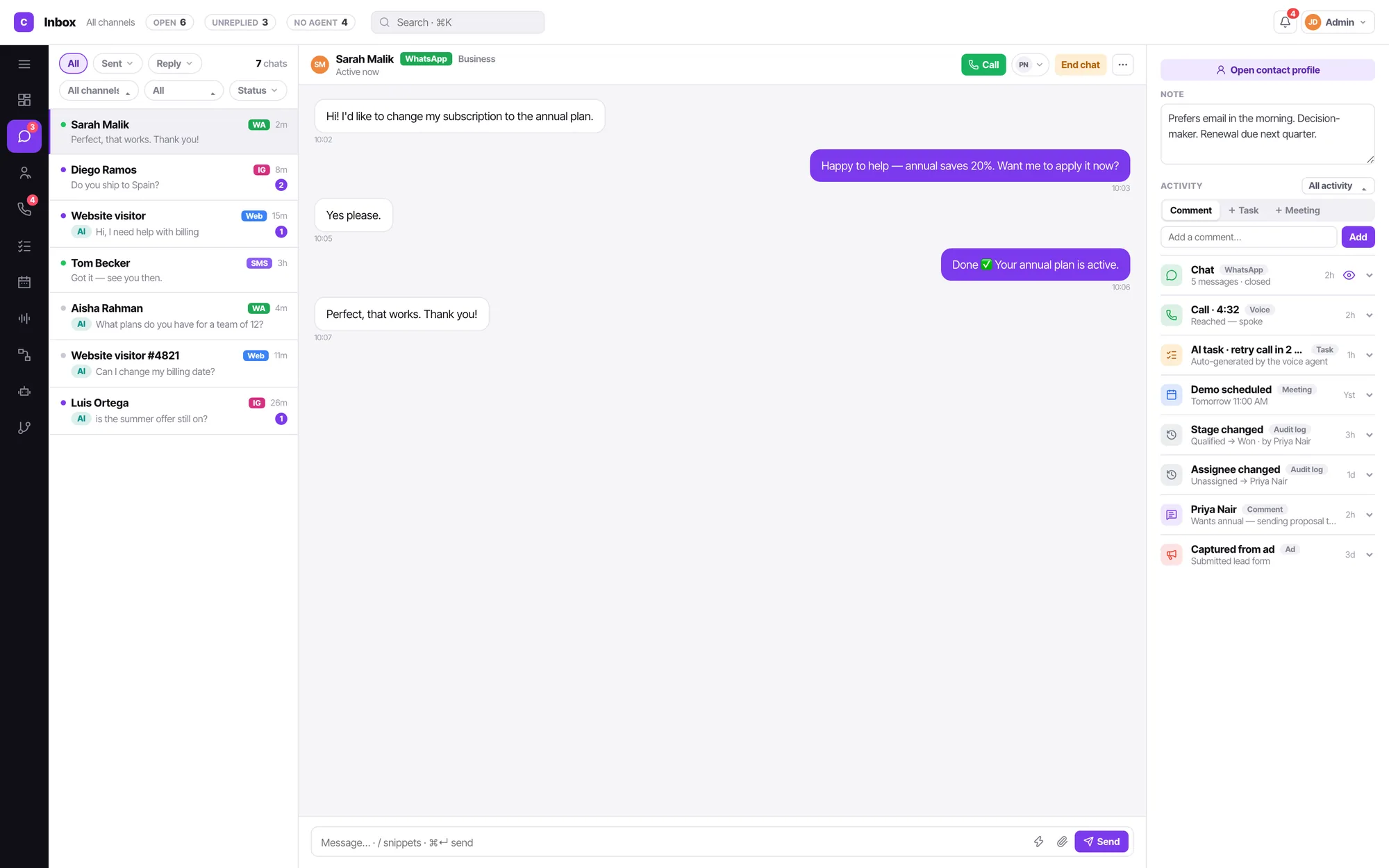
Connecting Viber
Adding a channel starts from an icon grid of all thirteen types, not a form. Picking one creates the channel and opens its config pane immediately — there is no name-entry modal.
Create a Viber public account
Viber issues a URI and a token.
Enter the URI and token
Two fields, and the channel is connected.
Choose the routing
AI bot, or unassigned for your team.
Not every channel needs every control
Chat channels get do-not-create-contact, auto-close and a bot routing choice. They do not get call timings, because a chat has no calling hours.
- Useful where Viber is the default messenger
- Same assignment and filtering as every other chat channel
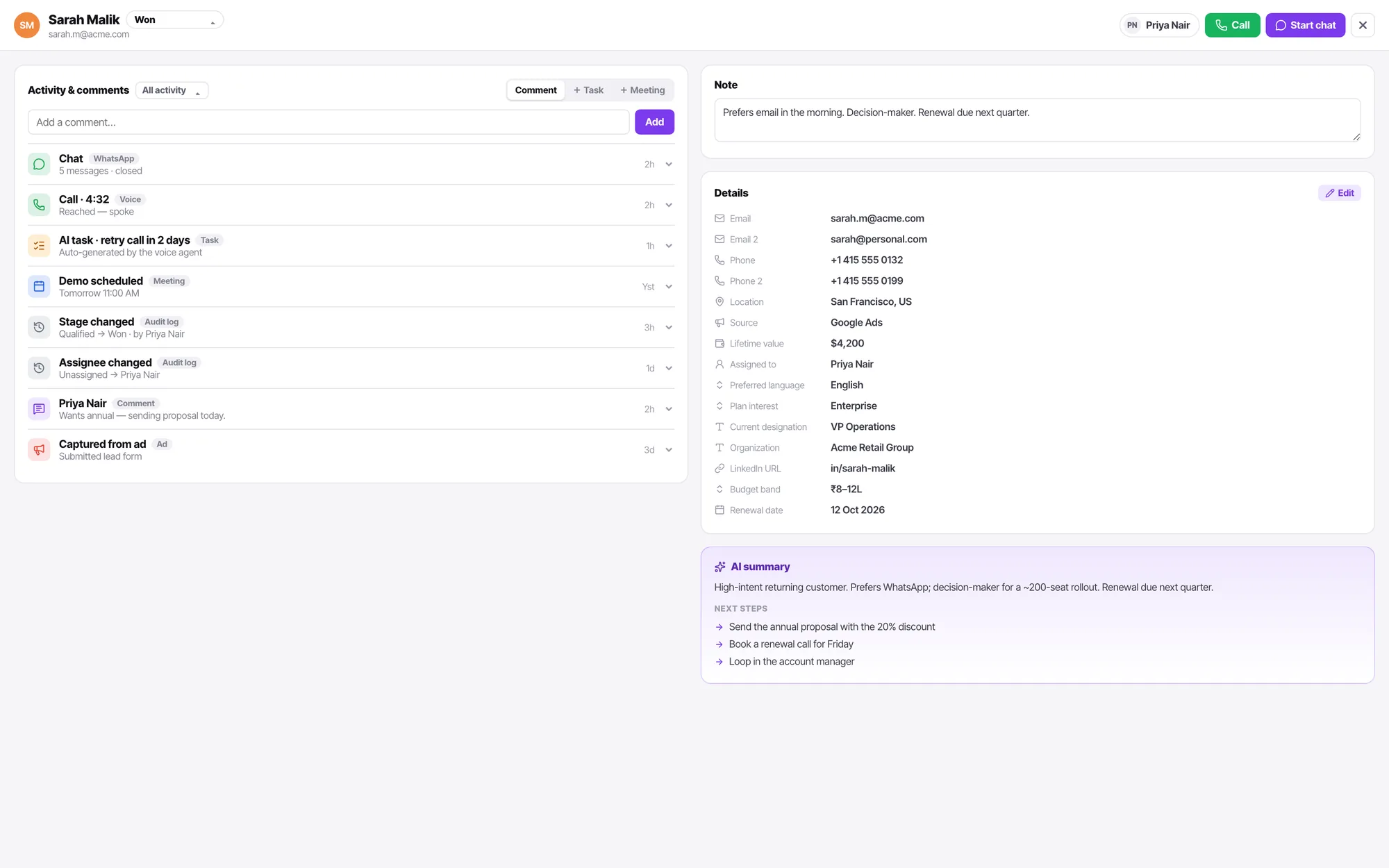
A channel answers with exactly one thing
An AI bot, or a call flow. Never both, never neither. It is the only reason you can ever say for certain what picked up.
Viber FAQ
Is Viber treated differently from WhatsApp?
Only in how it connects. Once it is in, it is the same conversation, the same filters, the same assignment.
How many channels do I get?
Three on Starter, four on Growth, seven on Scale and twelve on Enterprise — of any type. Compare the plans.
Who can connect or disconnect a channel?
An admin. Connecting a line means credentials, a carrier account and a bill. A manager keeps everything operational — routing, calling hours, additional settings, enable and disable, and the health readout — but the credential fields and the connected-account row are admin-only, and the product says so rather than hiding it.