
Telegram, wired to the same team inbox
Paste a username and a bot token. That is the whole setup.
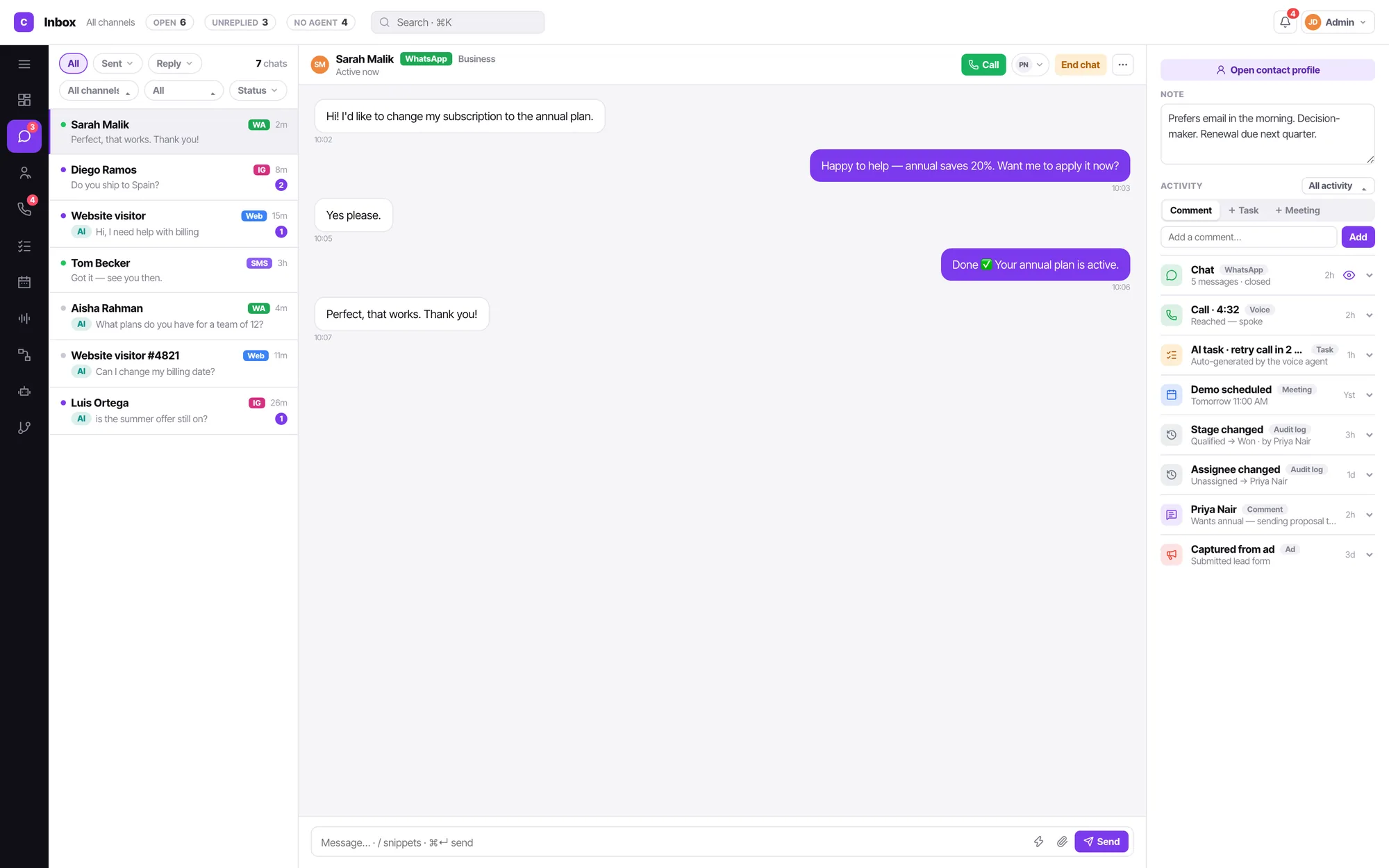
Connecting Telegram
Adding a channel starts from an icon grid of all thirteen types, not a form. Picking one creates the channel and opens its config pane immediately — there is no name-entry modal.
Create a bot with BotFather
Telegram gives you a username and a token.
Paste both into Convarza
Username and Token are the only two fields.
Point it at a bot or your team
The same routing decision every channel makes.
Not every channel needs every control
Chat channels get do-not-create-contact, auto-close and a bot routing choice. They do not get call timings, because a chat has no calling hours.
- Token-based setup — no OAuth dance
- Works alongside your other channels in one queue
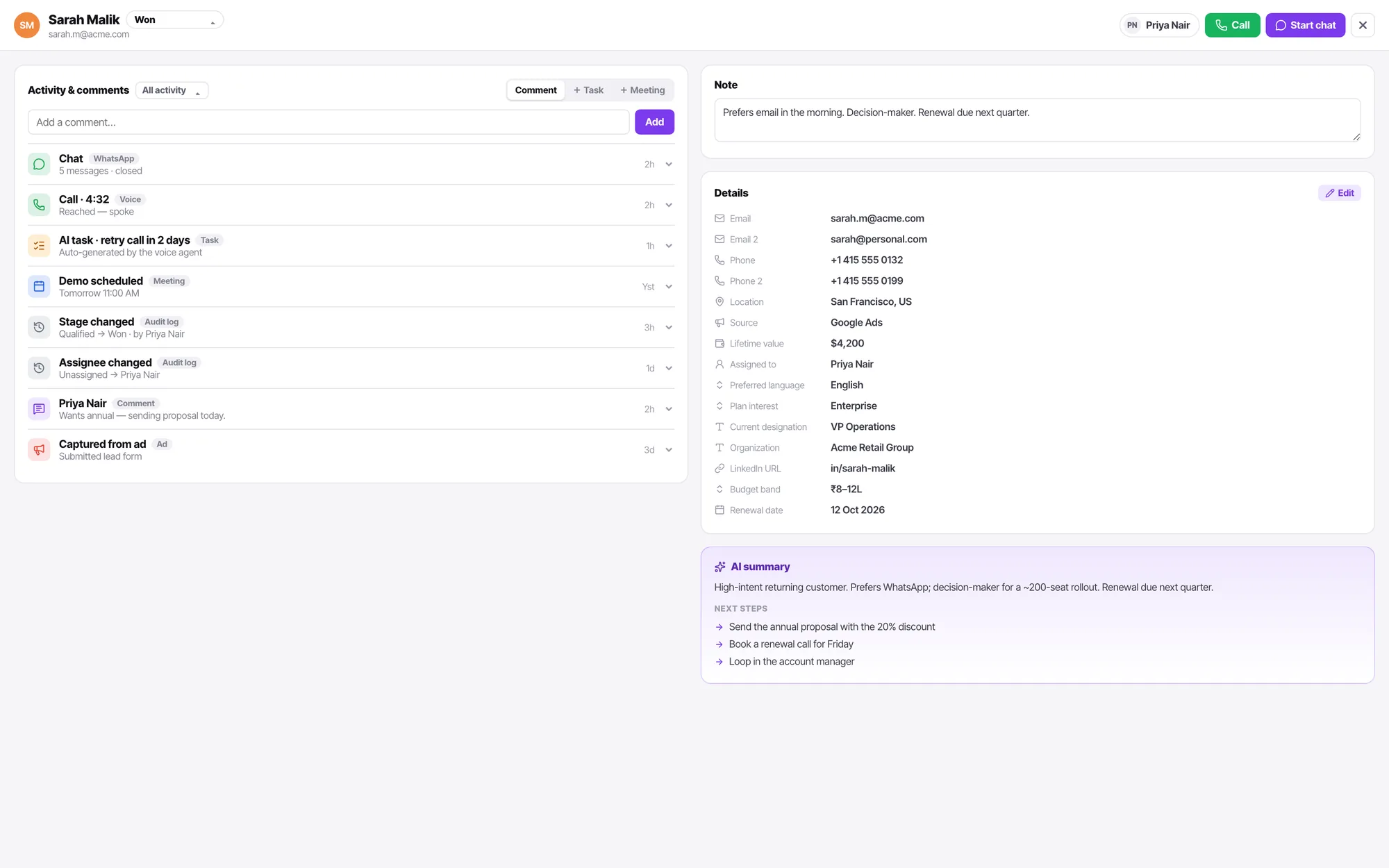
A channel answers with exactly one thing
An AI bot, or a call flow. Never both, never neither. It is the only reason you can ever say for certain what picked up.
Telegram FAQ
What do I need before I start?
A Telegram bot username and its token. That is the whole prerequisite.
How many channels do I get?
Three on Starter, four on Growth, seven on Scale and twelve on Enterprise — of any type. Compare the plans.
Who can connect or disconnect a channel?
An admin. Connecting a line means credentials, a carrier account and a bill. A manager keeps everything operational — routing, calling hours, additional settings, enable and disable, and the health readout — but the credential fields and the connected-account row are admin-only, and the product says so rather than hiding it.