
Define your contact schema: the seventeen attribute types
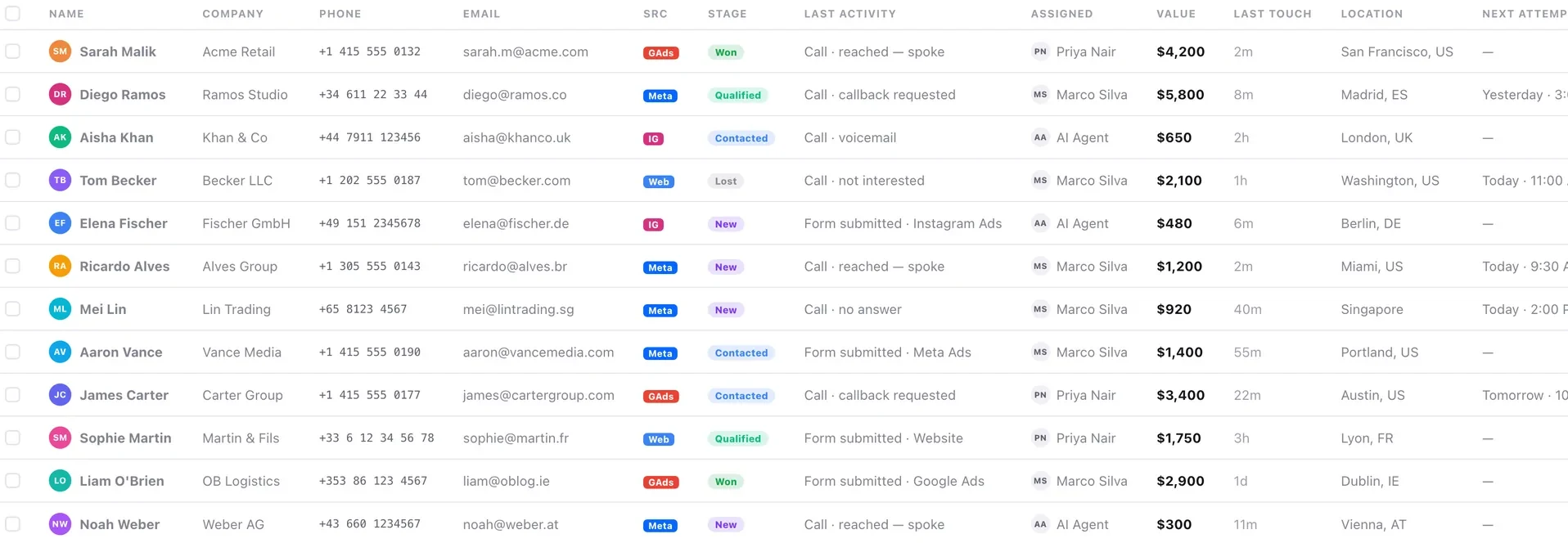
An admin defines what a contact is, in one editor. Everything downstream reads that schema — the record, the grid, the create sheet and the export.
The contact schema is the single most consequential thing an admin configures, because everything downstream reads it: the record's field list, the grid's column picker, the create sheet's controls, the filter builder, the export's columns and any document a workflow generates.
Seventeen attribute types are available: text, long text, number, email, phone, date, dropdown, multi-select, checkbox, currency, link, rating, country, location, teammate, file and checklist.
The discipline that matters is picking the narrowest type that fits. A dropdown filters and cannot be spelled three ways; the same information as free text is unreportable within a month.
Before you start
- Admin access.
- Agreement on what you need to record — before you start adding fields.
- A list of the choices for any dropdown, decided in advance.
Steps
Open the attribute editor in settings
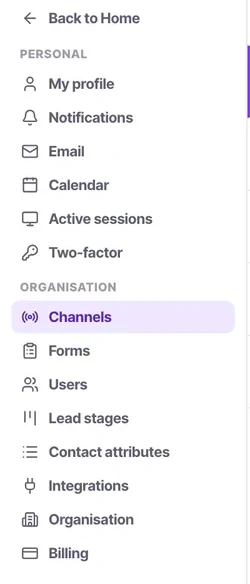
Contact attributes sits under Organisation, with a type palette, the attribute list and a settings rail. One place a contact is defined.
Start from the questions you need answered
"Which of our products are they interested in?" is a dropdown. "What are they worth?" is currency. "When does their contract renew?" is a date. Design from the report backwards.
Pick the narrowest type that fits
A dropdown beats free text every time. It renders as a select, it filters cleanly, it cannot be misspelled, and it can be used in a campaign audience.
Use date and currency rather than text
Typed attributes sort, filter and export correctly. A date stored as text is a field you cannot report on and cannot filter a campaign by.
Add only what somebody will fill in
Every attribute is a row on the record, an entry in the column picker and a column in the export. Fields nobody fills make the record harder to read for everyone, forever.
Set required, admin-only, a default and visibility
Each attribute has its own settings rail. Required attributes sort first with a red asterisk.
Check it downstream
Open the create sheet, the column picker and the filter builder. A new attribute appears in all three without anybody configuring anything — that is the schema being the single source of truth.
Check it worked
Create one test contact and fill in every field. If any field makes you pause and wonder what it means, rename it now — because everybody else will pause too, and half of them will guess.
The parts people get wrong
- Custom attributes are unlimited on every plan, from Starter upwards.
- The schema is the single source of truth. A new attribute appears on the record, in the column picker, in the filter builder and in the export without anyone touching markup.
- Attributes feed PDF generation too, so a document you want to produce automatically needs its fields to exist as attributes.
The ones people actually ask
How do I decide what attributes to create?
Start from the questions you need answered, and design from the report backwards. Which of our products are they interested in is a dropdown. What are they worth is currency. When does their contract renew is a date.
Should I use free text or a dropdown?
The narrowest type that fits, which is usually a dropdown. It filters cleanly, it cannot be misspelled, it can be used in a campaign audience, and it exports properly. A date stored as text is a field you cannot report on.
Do I need to configure a new attribute anywhere else?
No. It appears in the create sheet, the column picker and the filter builder automatically — that is the schema being the single source of truth. Open all three afterwards to confirm.
Is there a cost to adding attributes?
Yes, a readability one. Every attribute is a row on the record, an entry in the column picker and a column in the export. Fields nobody fills make the record harder to read for everyone, forever.